Create freely.On your own canvas.
Connect your favourite AI models in one local creative workspace. Turn ideas into images, video and sound, your way.
Choose your modelsShape your workflowKeep your work
From spark to finished.
Every step on one canvas.
See it in action
The models you already use. One canvas.
- Gemini
- OpenAI
- Codex
- ComfyUI
- RunningHub
- OpenRouter
- ElevenLabs
- Runware
- AtlasCloud
- + any HTTP API
Names and marks identify integrations and belong to their owners; no endorsement implied. You use each provider with your own account, under its terms.
See the whole idea.Not twelve browser tabs.
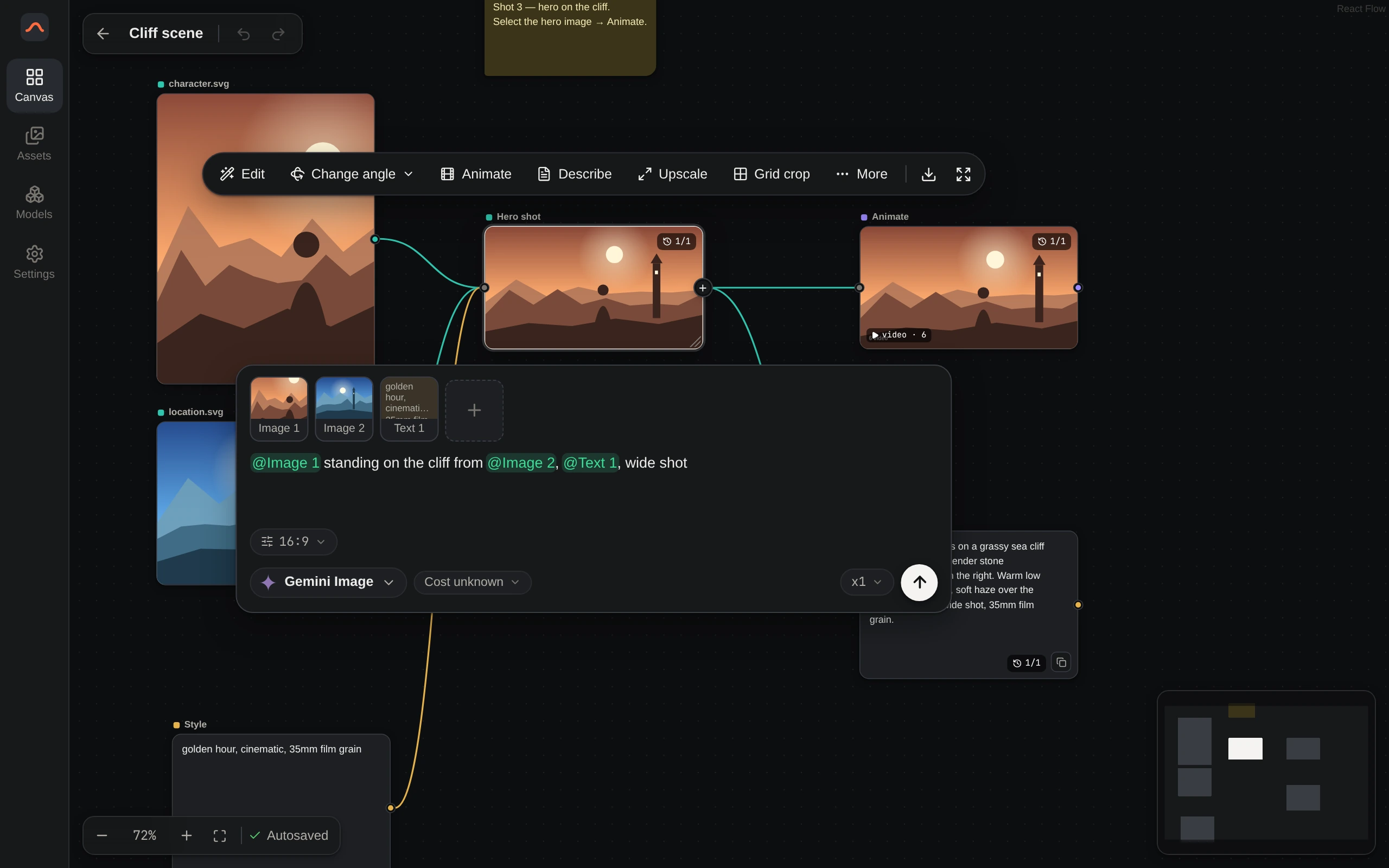
- Build on a resultTurn an image you love into the starting point for a video.
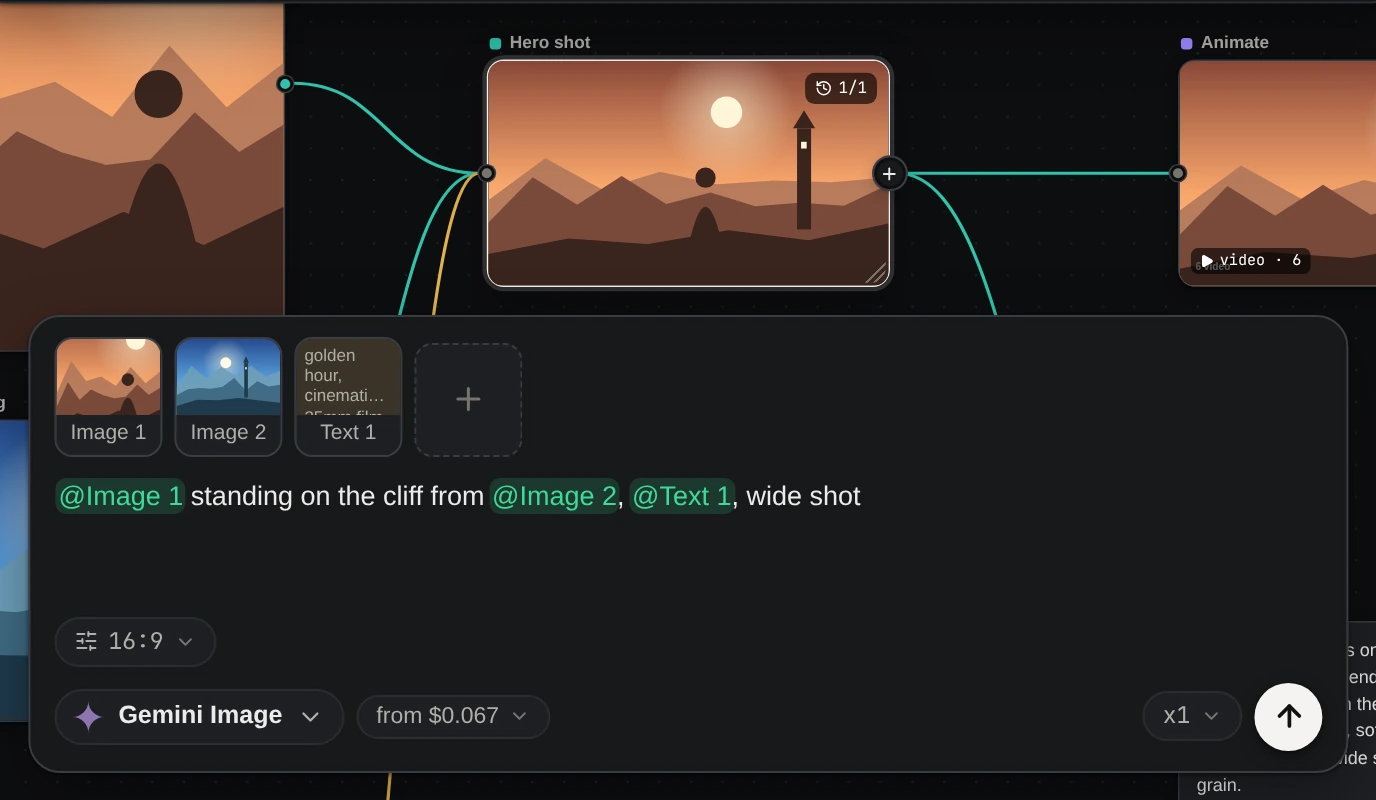
- Keep references closeMention connected images and notes right in your prompt.
- Revisit a favouriteKeep past results with their prompts, ready to use again.
Turn your ideas into finished content.Images, video and voice, all on one canvas.
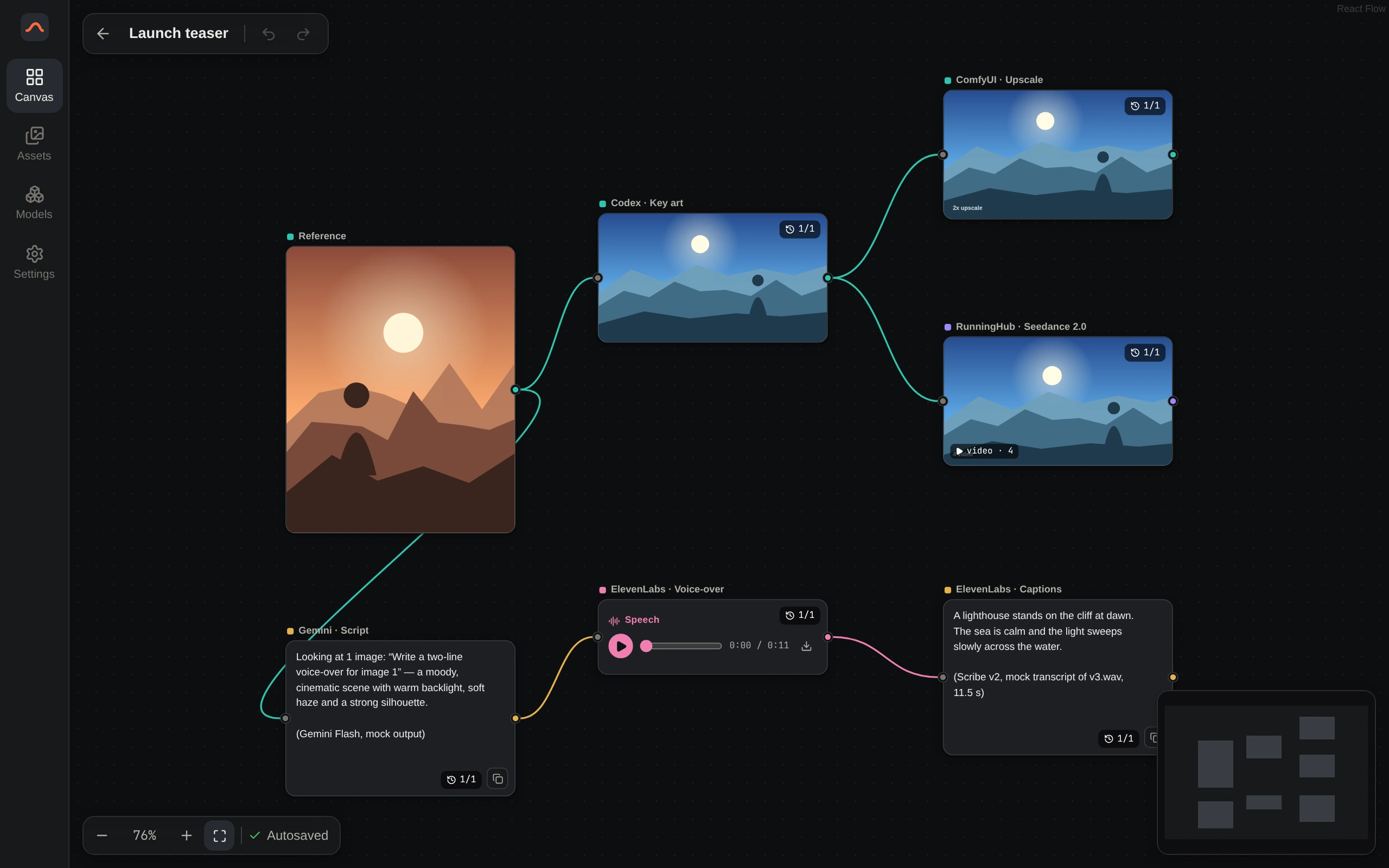
Create an image with ChatGPT, animate it with RunningHub, then add a voice-over with ElevenLabs. Keep your references, prompts and results together as the idea takes shape.
Plays well with others.Bring your own providers.
Connect your accounts, supported subscriptions or local ComfyUI. Pay your providers directly, with no RikuFlow markup. Explore the options below.
ImageVideoUpscaleText
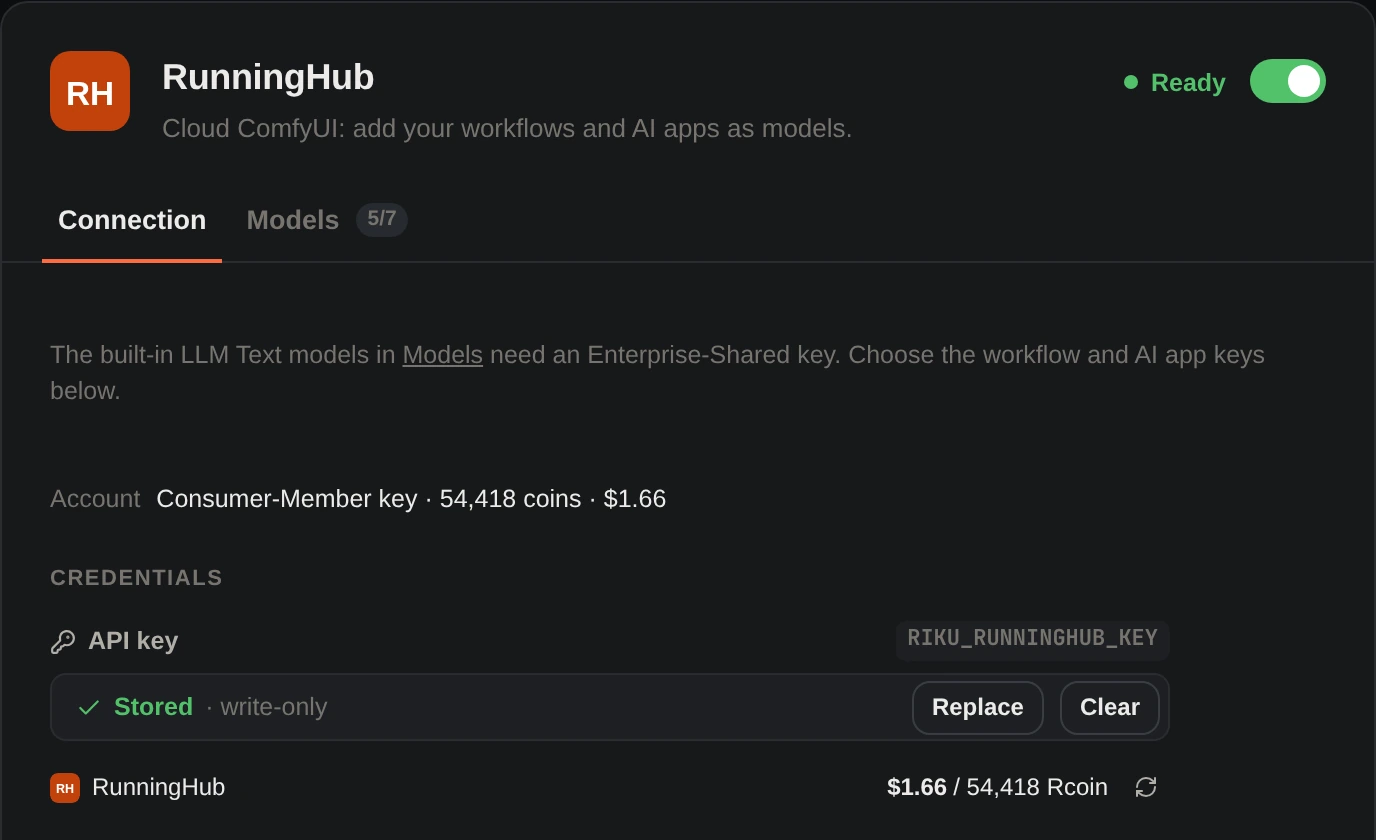
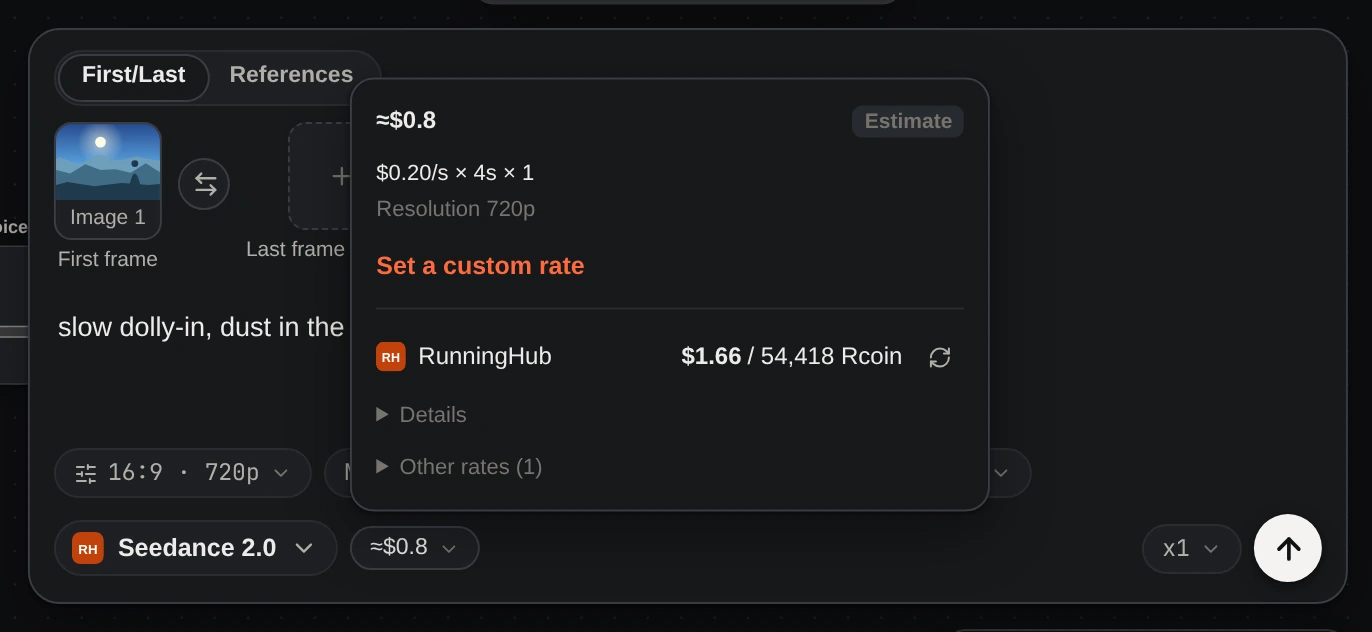
Your RunningHub, supercharged.
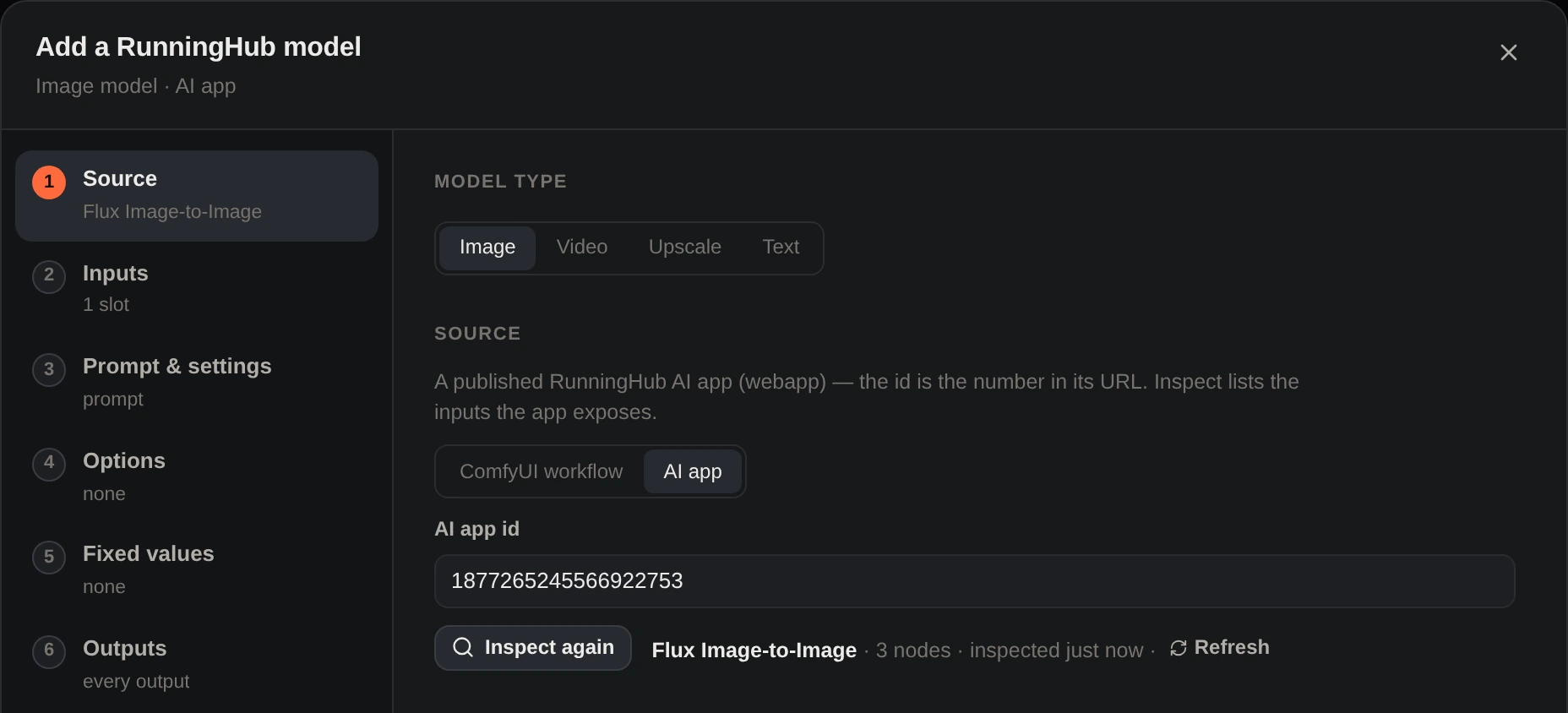
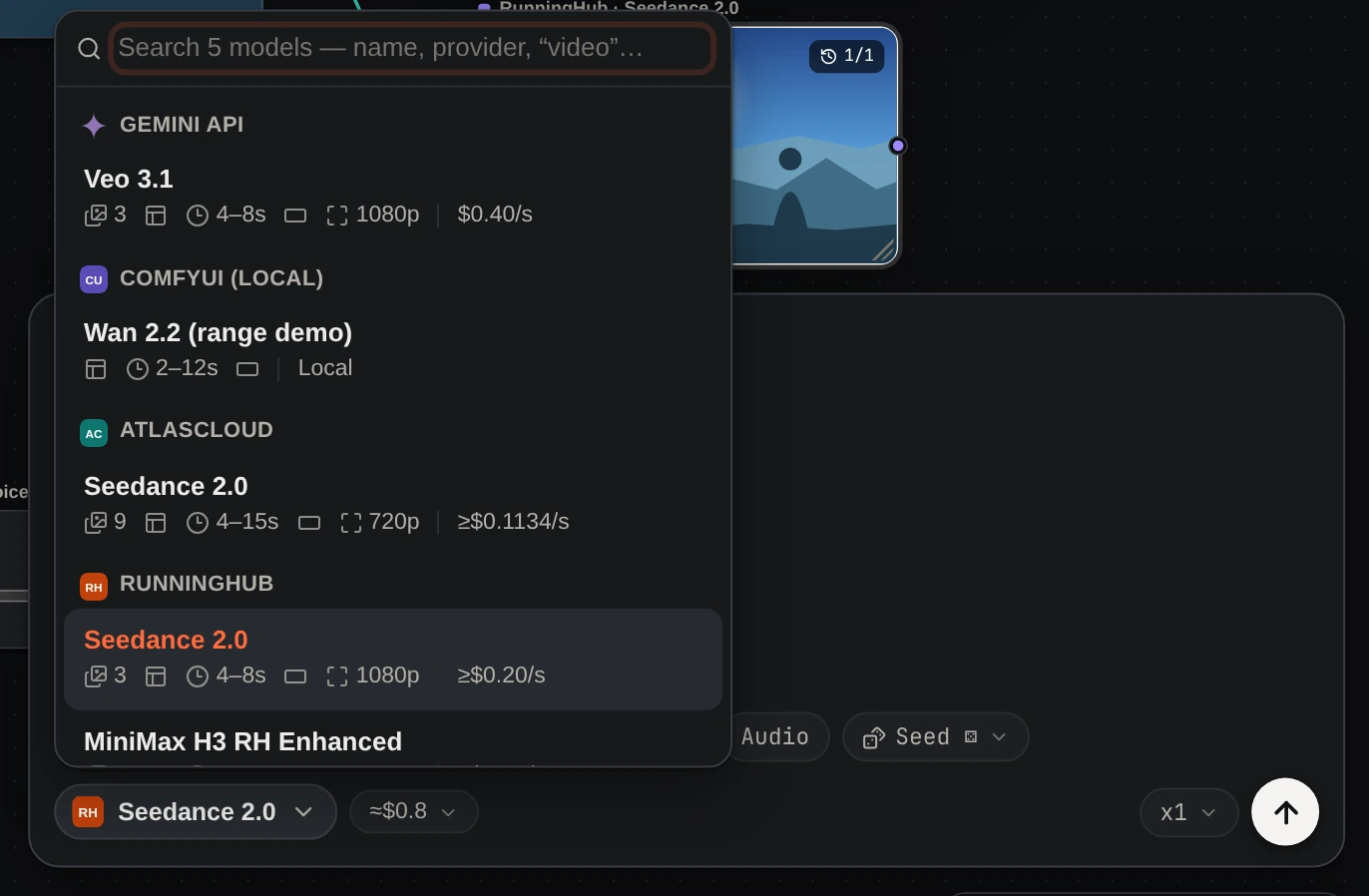
Bring your RunningHub workflows and AI apps onto one canvas. Build on their results with other providers, keep your favourite generations, and stop re-uploading the same references.
- Use your consumer coins for workflows and AI apps
- Enterprise API access for flagship video models
- RunningHub’s own billing, with no RikuFlow markup
ImageText
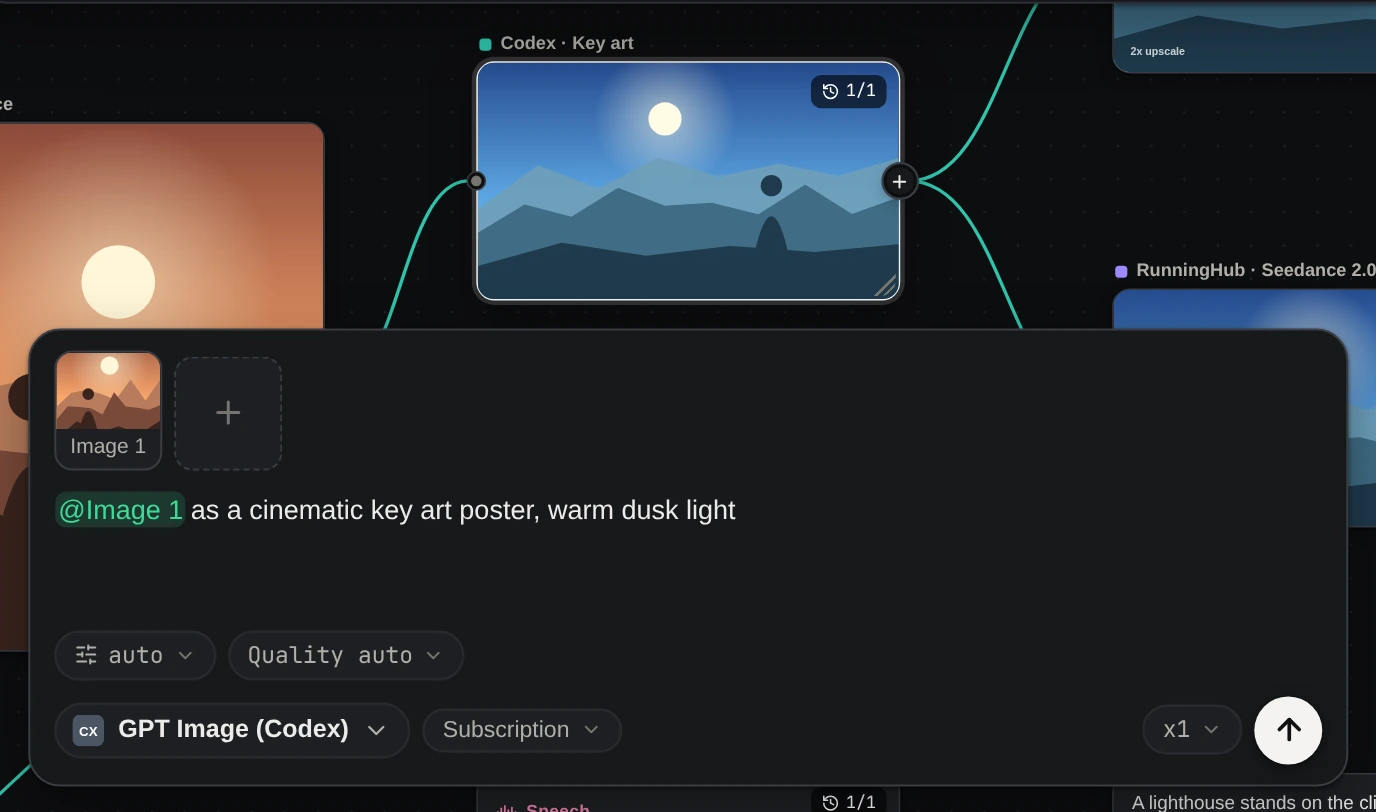
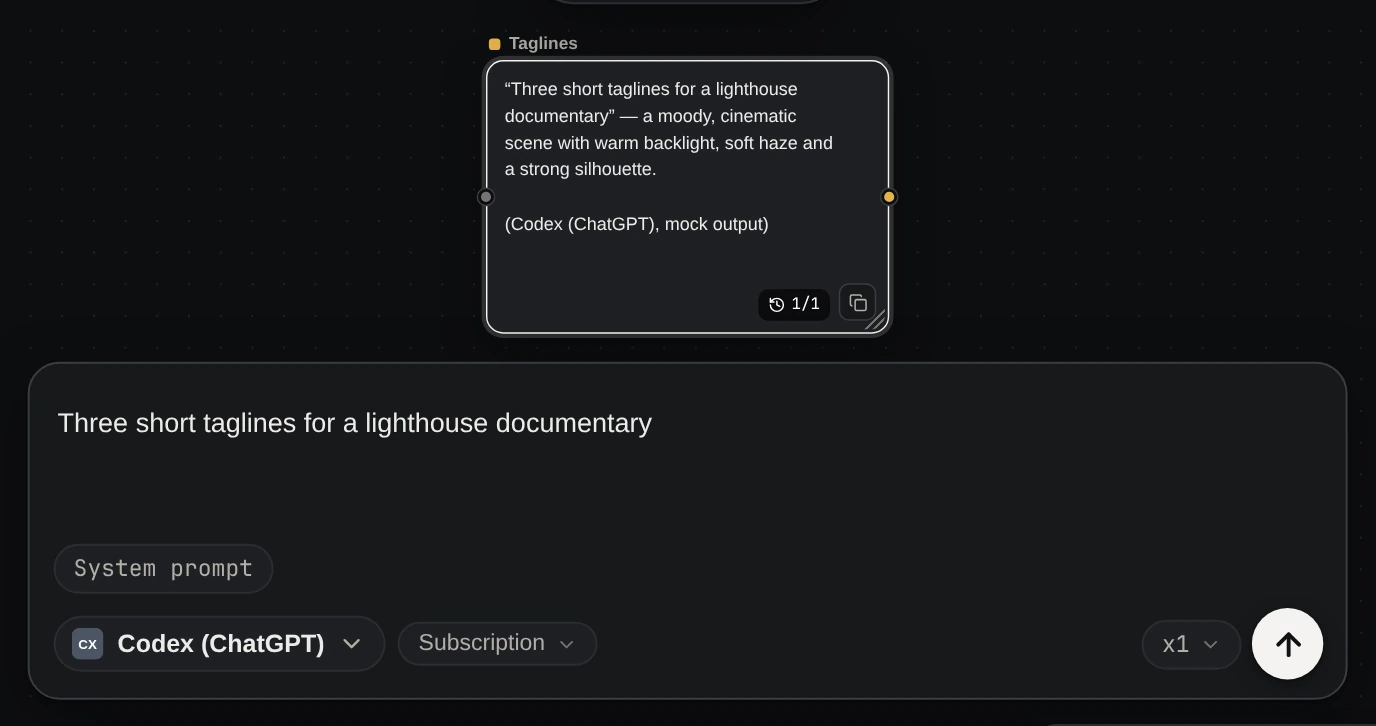
Already paying for ChatGPT? Put it to work.
Connect the Codex CLI on your computer to create images and write scripts with your supported ChatGPT plan. Keep the results together on your canvas, within your plan’s allowance.
- GPT image generation from your plan
- GPT for scripts, prompts and copy
- Uses your ChatGPT plan’s allowance and limits
ImageVideoUpscaleText
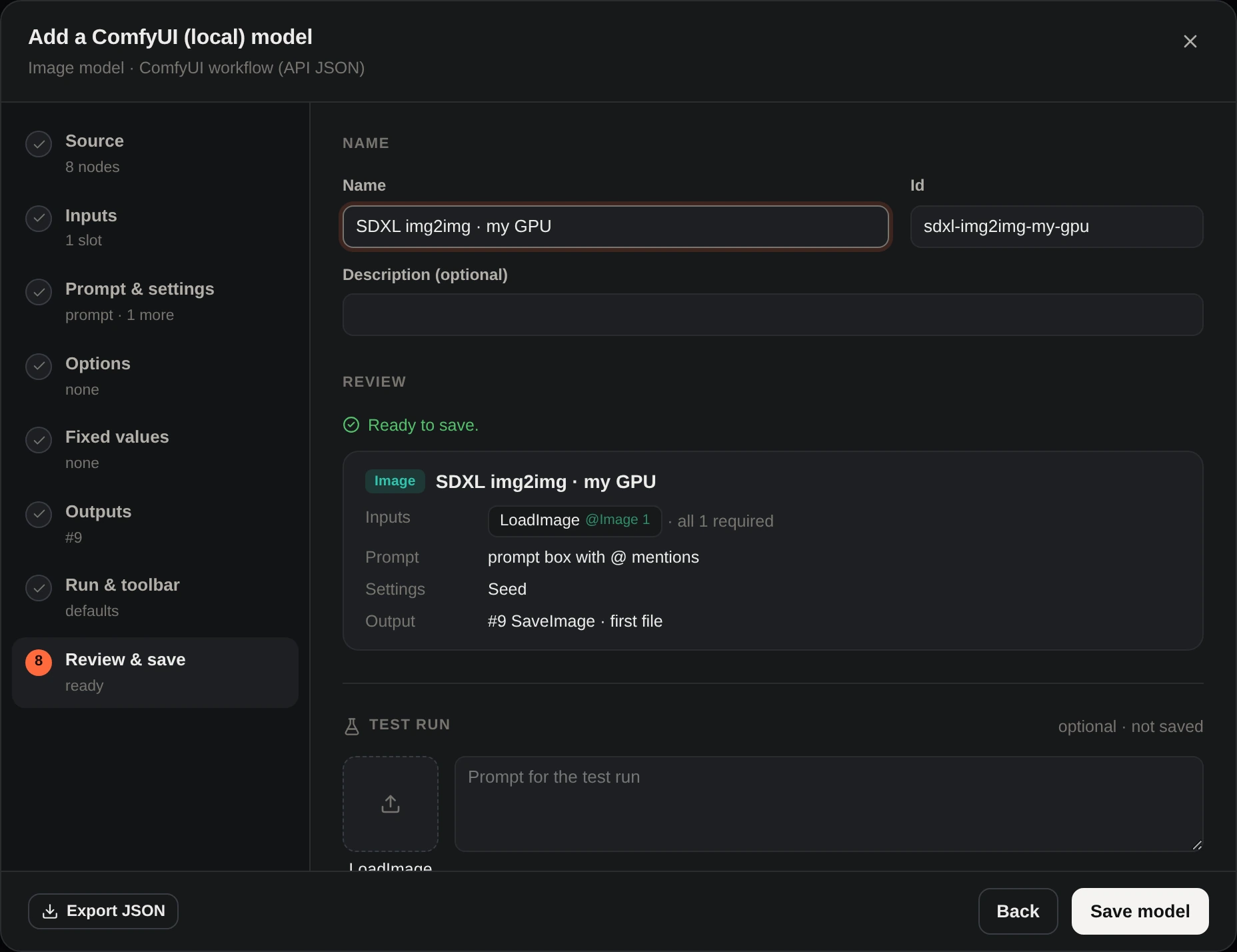
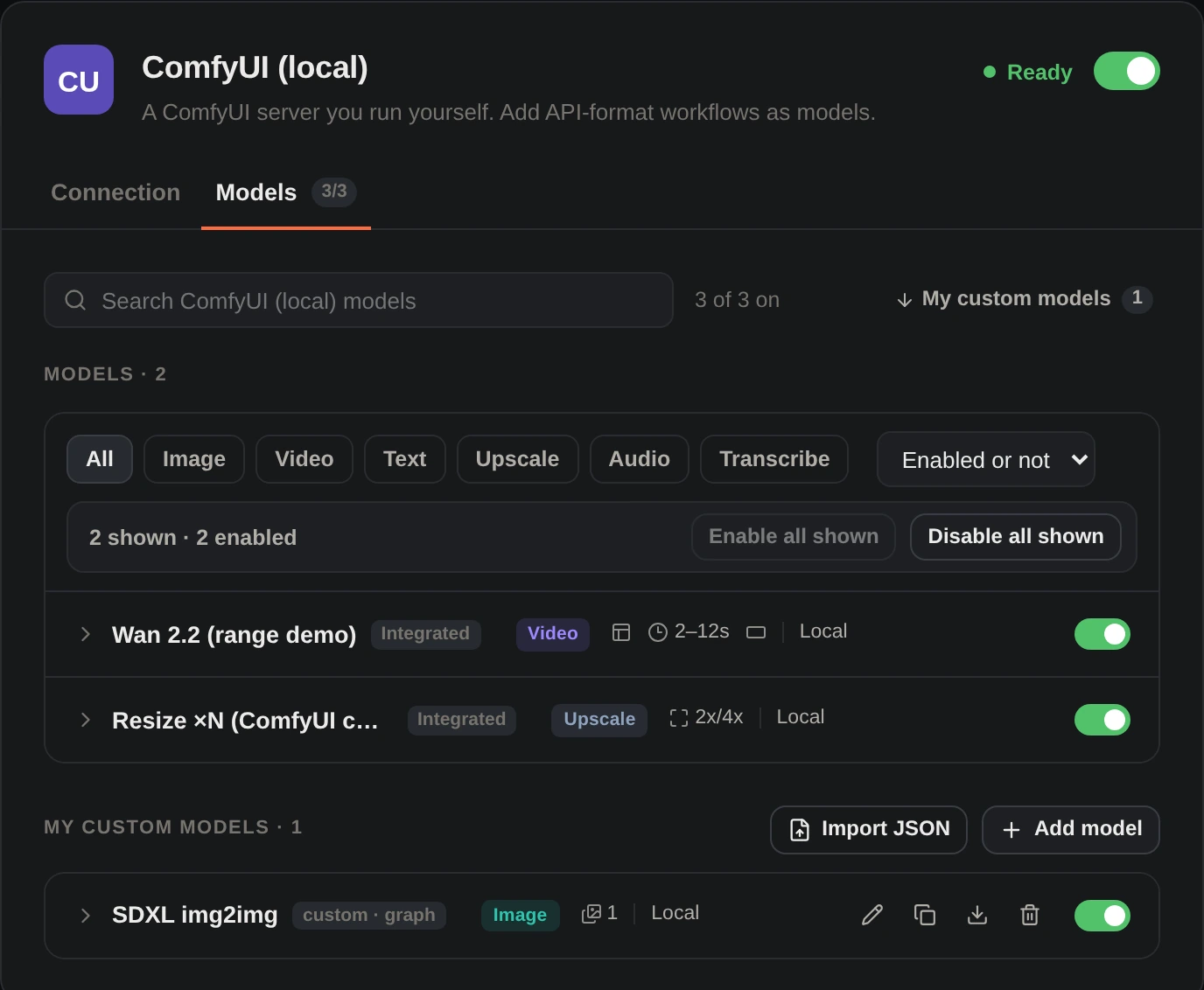
Your best ComfyUI workflows, one click away.
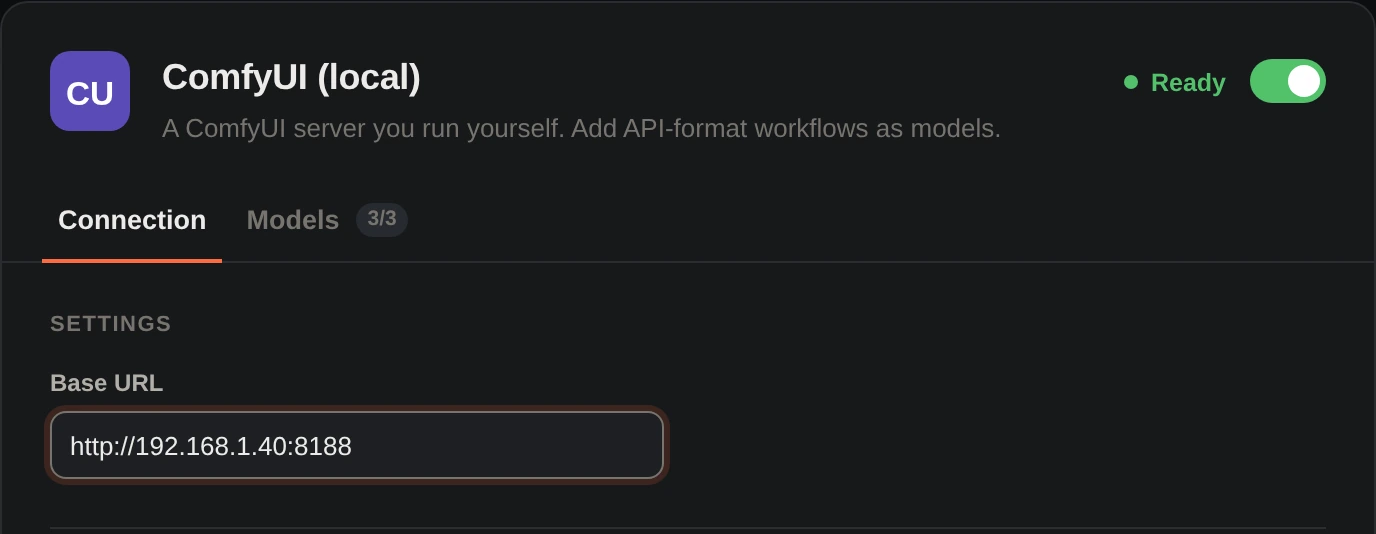
Point RikuFlow at the ComfyUI you already run, on this computer or a GPU box on your network. Import and map a workflow once, then reuse it alongside your cloud models.
- Your GPU, your models, no per-run bill
- Map inputs once, then focus on your prompts
- Combine local workflows and cloud models
ImageVideoText
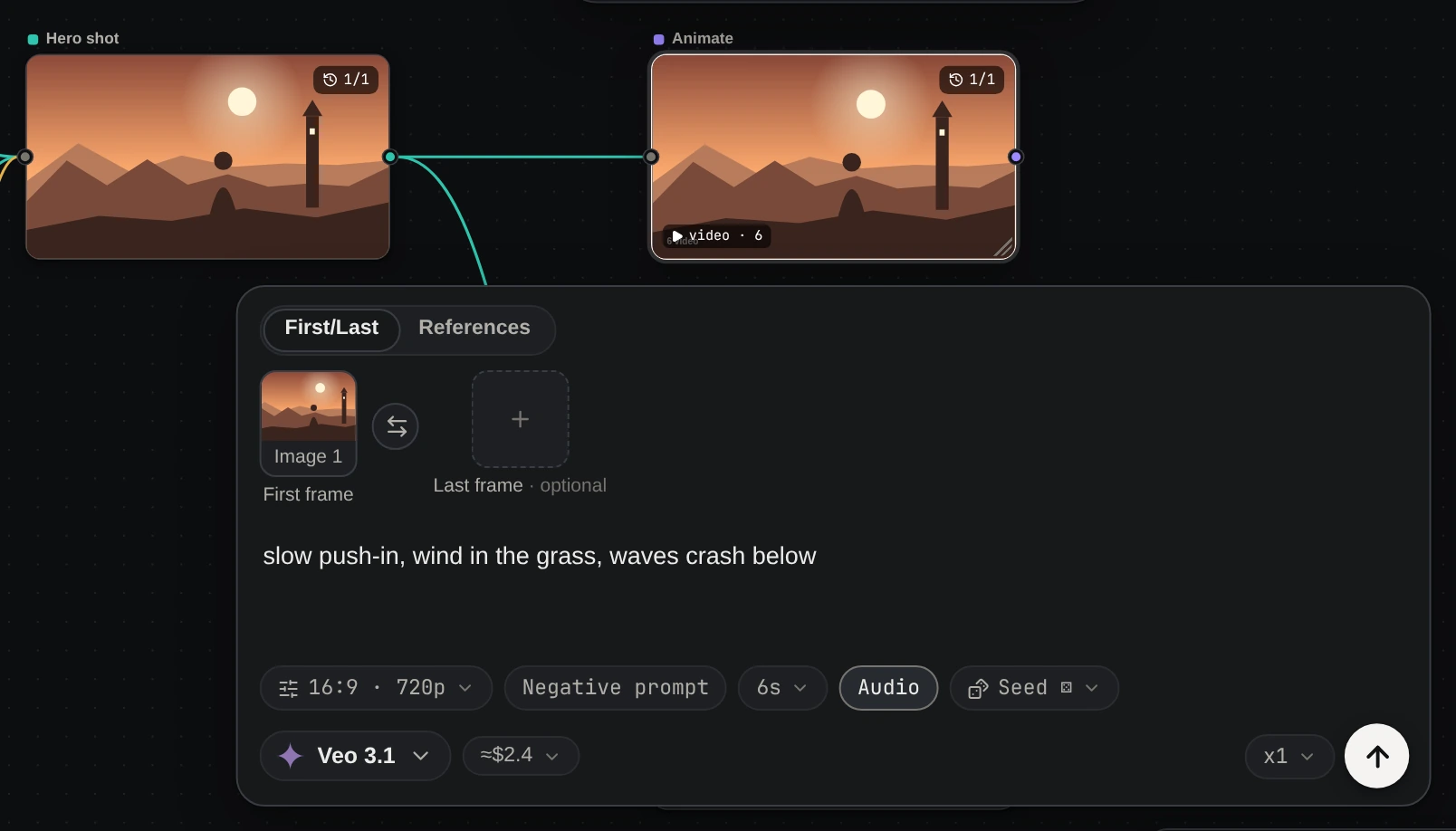
Nano Banana and Veo, straight from Google.
Create and edit images with Nano Banana, then bring a frame to life with Veo. Use your own Google API key and pay Google directly, with no RikuFlow markup.
- Nano Banana image generation and editing
- Veo 3.1 video with sound, from your best frame
- Google’s published prices, no middleman
AudioTranscribe
Studio voices for every project.
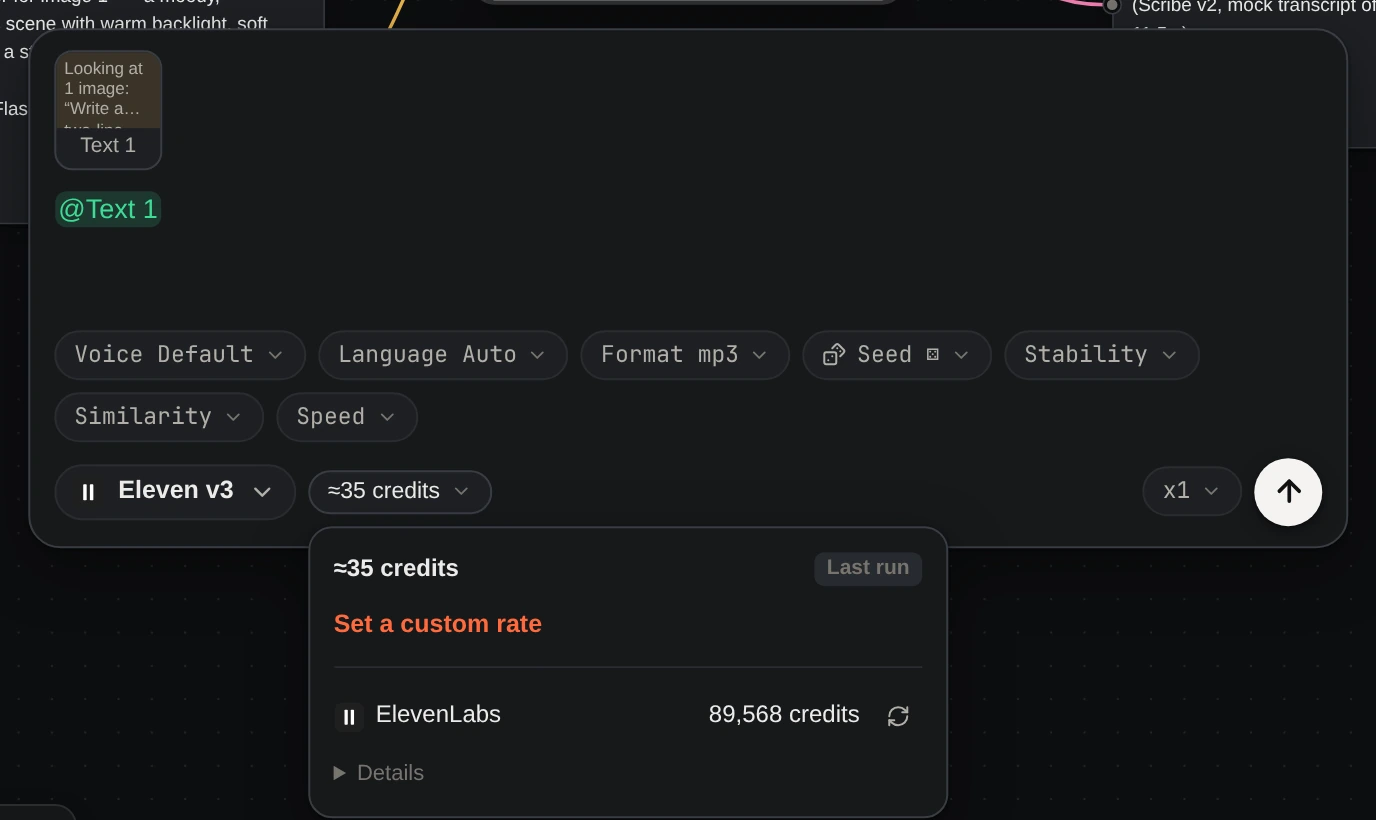
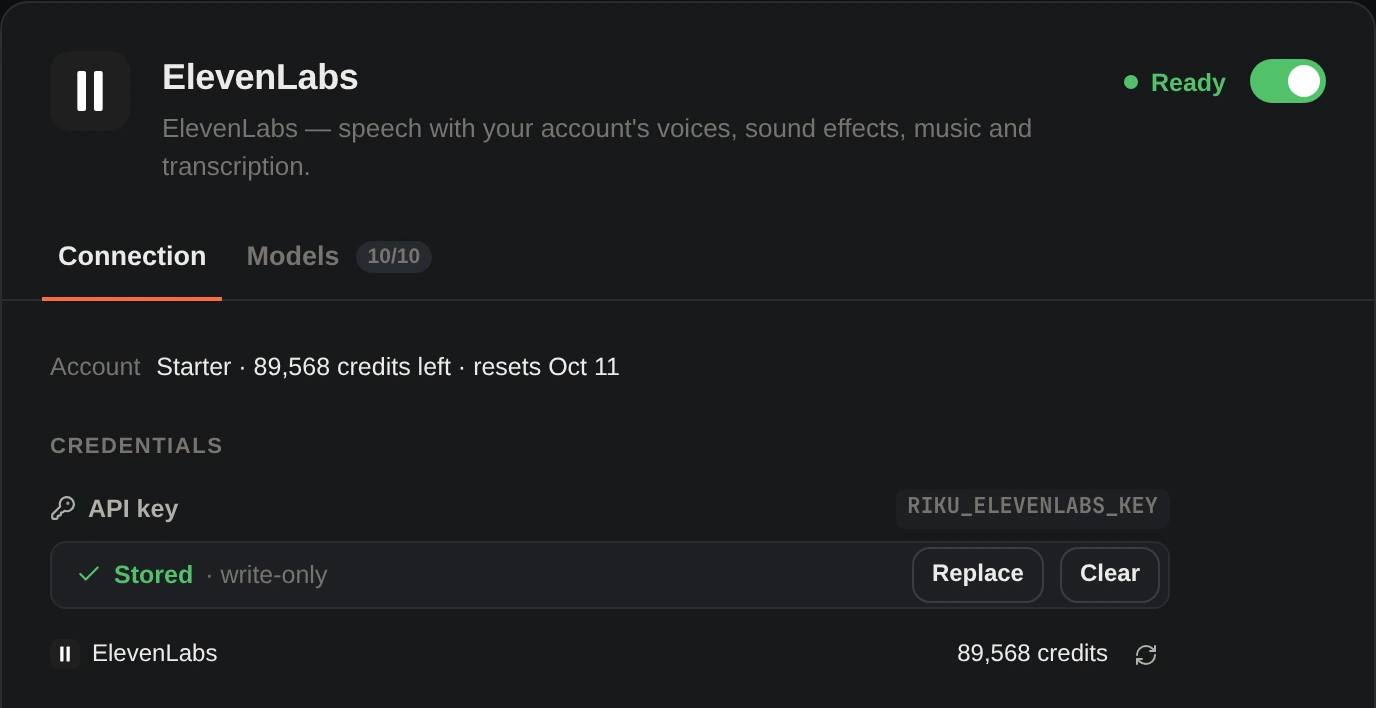
Give your images and videos a voice, a soundtrack and captions. Use your own ElevenLabs account for voice-overs, sound effects, music and transcription, alongside the rest of your project.
- Script in, voice-over and captions out
- Your own voices and plan
- See credits used when ElevenLabs reports them
Text
Your favourite writing models, one key.
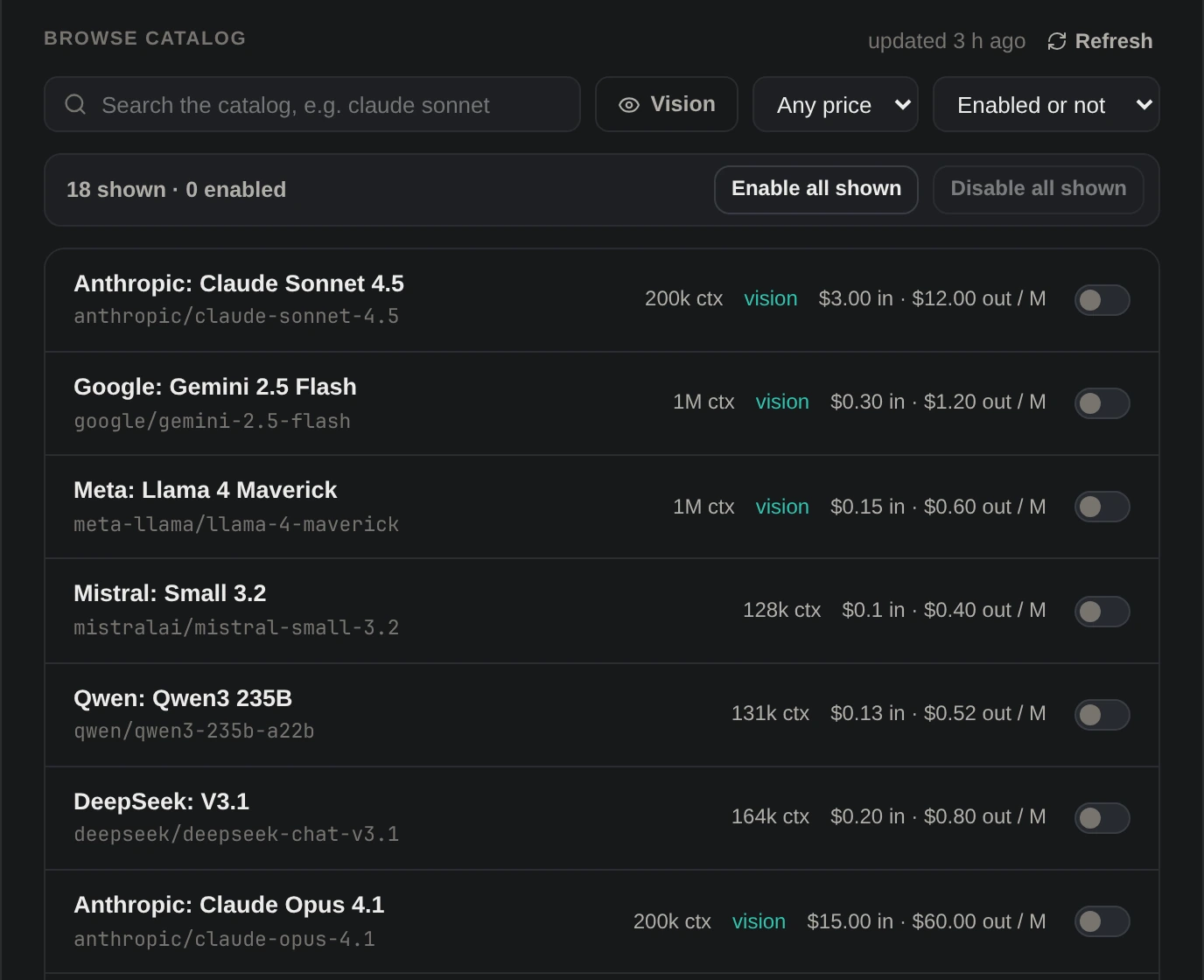
Claude, GPT, Gemini, DeepSeek, Llama, Qwen and hundreds more for prompts, scripts and image descriptions. Choose the right model for each task and pay OpenRouter’s per-token price.
- Hundreds of text models in one catalog
- Vision models that read your images
- Prices per million tokens, up front
ImageVideoUpscaleText
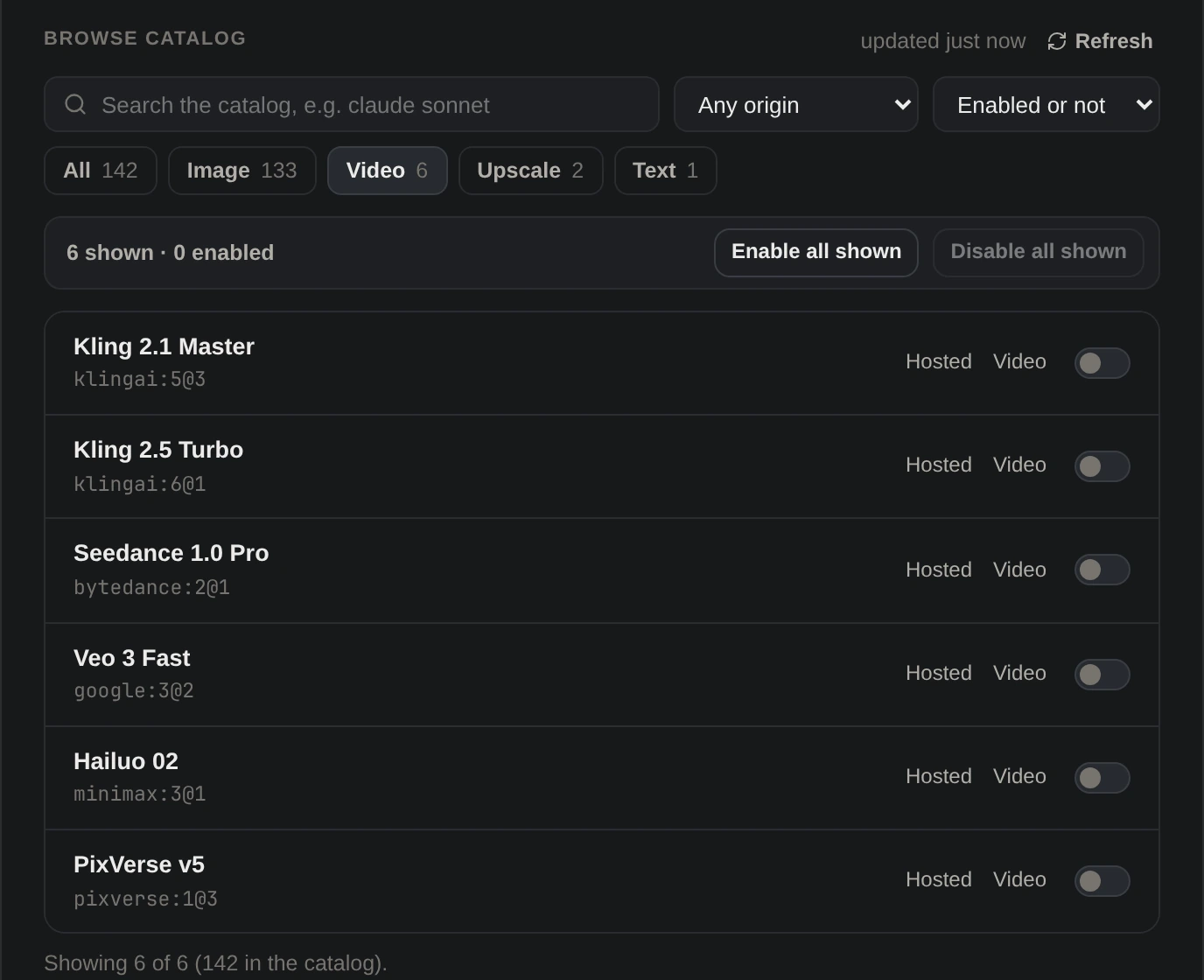
Kling, Seedance, Veo and more, at Runware prices.
One Runware key opens a huge catalog of image and video models, from Kling and Hailuo to FLUX and community checkpoints. Switch on the ones you love; they show up in every picker.
- Flagship video models from one key
- Thousands of image models and checkpoints
- Keep your model choices focused on your favourites
ImageVideoUpscaleTextAudioTranscribe
Image, video, voice and music from one key.
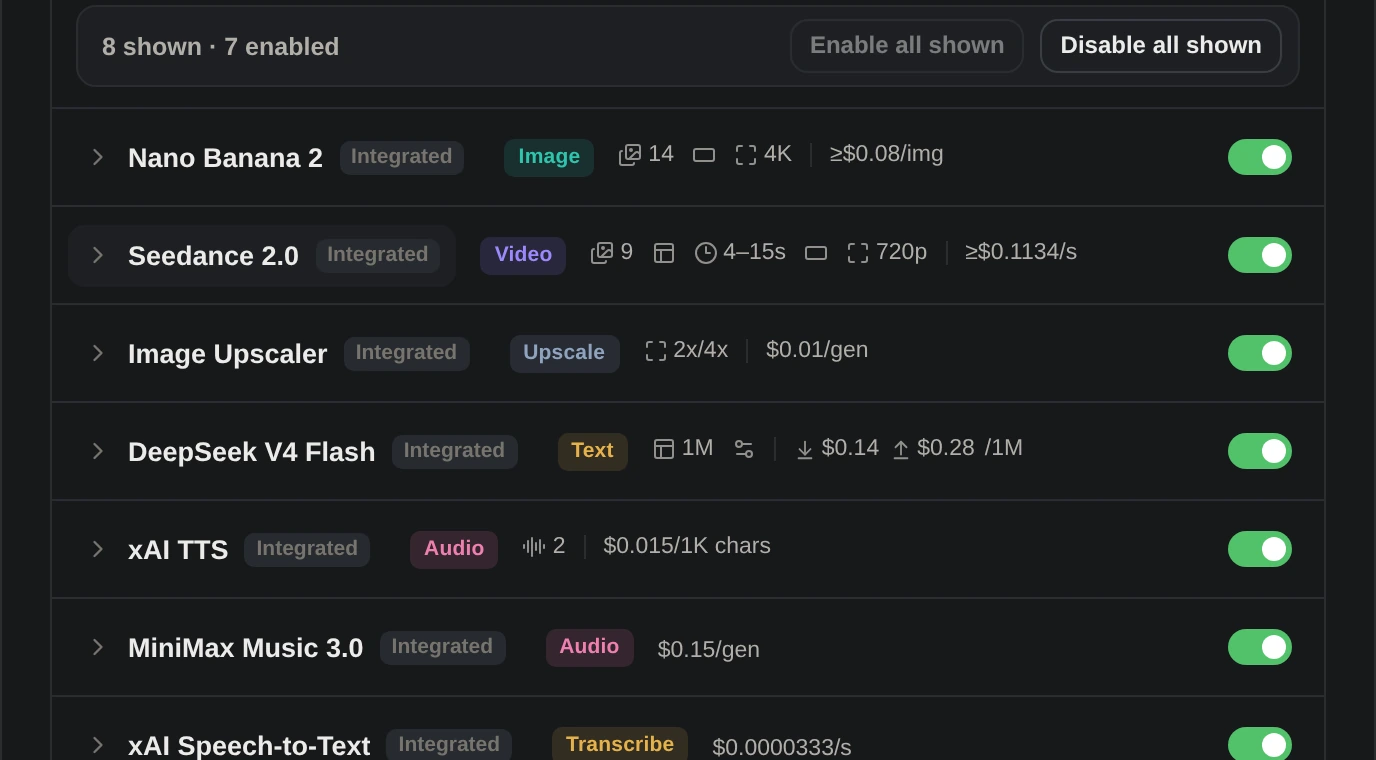
Create images with Nano Banana, explore video with Seedance, and add music or speech through AtlasCloud. Use one account for the supported models you need, with your balance visible in RikuFlow.
- Every media type in one place
- Cost estimates where rates are available
- Your AtlasCloud balance in the app
ImageVideoTextUpscale
Bring more models to your canvas.
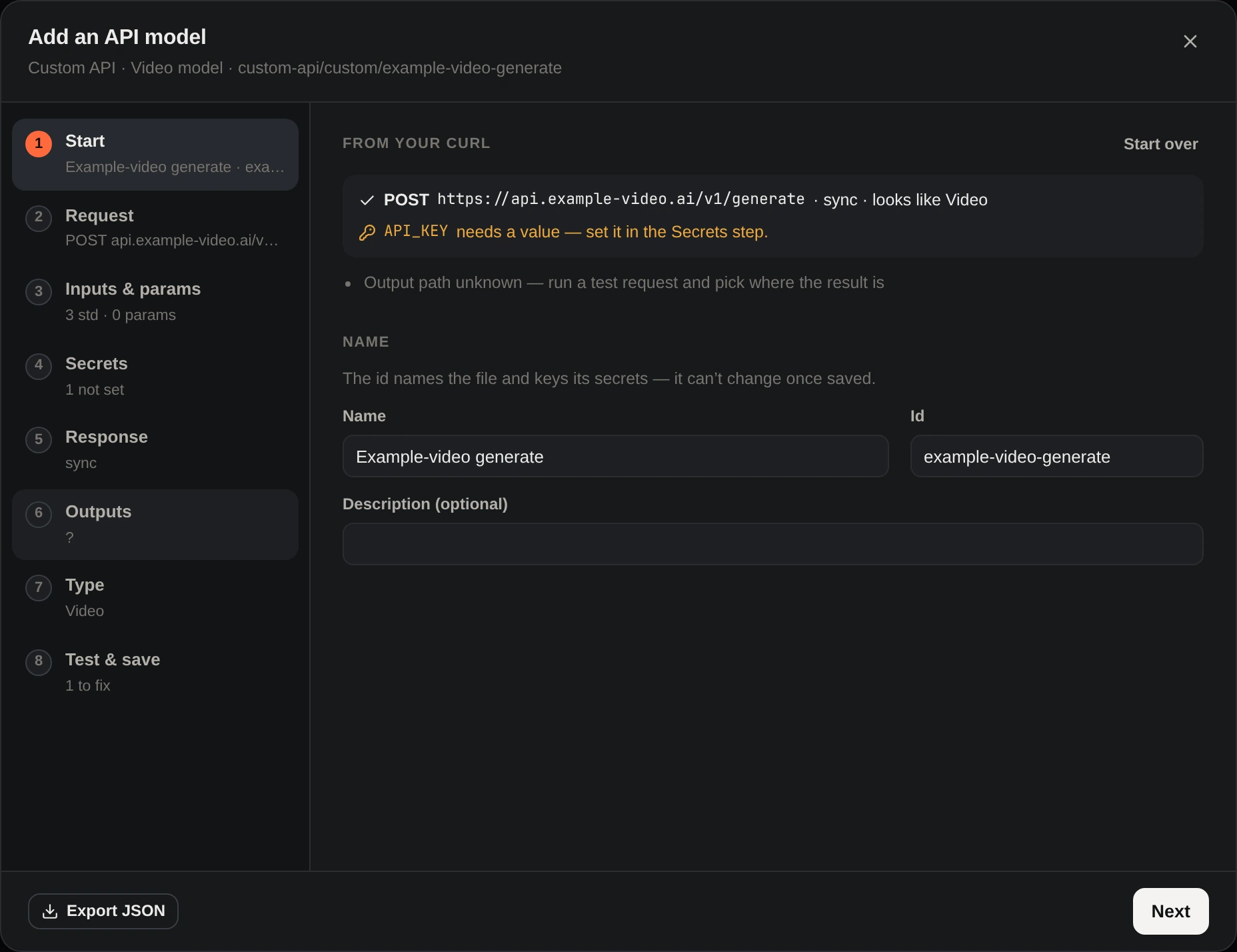
Connect a compatible API without waiting for a built-in integration. Start with a curl command from the provider’s docs, map the inputs and output, then test it before saving your model.
- Sync or async (polling) APIs
- Pick the output from a real test response
- Secrets stay write-only
Don’t see your favourite? More providers are on the way — or connect a custom API today.
Your work lives on your machine.Not in our cloud.
Keep your projects, references and results in a folder you control. Cloud generations go straight to your chosen provider, without passing through RikuFlow’s servers.
- On your computer
Your work stays with you
- Your projects and every result
- Your prompts and reference images
- Your API keys
- When you press Run
Sent to the AI you picked
Your prompt and images go straight to that service, such as OpenAI or Google, to make the result. Their privacy rules apply.
- What RikuFlow sees
Only your license
To activate and update the app: your license key, a device ID, the app version and your OS. Never your work.
- Open and organise your projects offline once activated. Cloud generation needs the internet.
- Move or back up everything with one file. API keys are only ever exported encrypted.
- Keep using your licensed version, even if you choose not to renew updates.
Pay once.Keep creating.
- $49 once for RikuFlowThe whole workspace, yours to keep, with 12 months of updates.
- Cloud models at their own pricePay your providers directly, with no RikuFlow markup.
- Use the tools you already haveBring your ChatGPT plan, RunningHub workflows and local ComfyUI.
$49 USD
12 months of updates included.
- All built-in integrations, local ComfyUI and custom workflows
- Up to 3 of your devices · Windows, macOS, Linux
- 14-day money-back guarantee
Do I still pay for AI separately?
The RikuFlow price covers your workspace. Cloud generation uses your own provider accounts and allowances; local ComfyUI runs on your hardware. Your provider’s charges and plan limits still apply. RikuFlow adds no markup, and shows cost estimates where available.
How does the trial work?
Sign in with your email, in your account on this site or in the app (we email you a code), and start it there. The 14 days start when you first activate it, on one device. After it ends, your projects, exports and backups stay available.
What if I don’t renew?
Keep using the versions covered by your license. Another 12 months of updates costs $19; renewal is optional. If you renew after your updates end, the new period starts that day, with no back payment. Provider changes can affect compatibility with older versions.
Can I get a refund?
Yes, within 14 days of purchase, for any reason. The key is deactivated; your projects and files are not touched. Details in the Terms.
How many computers can I use?
Up to 3 at a time. Deactivating one frees its slot: from the app, or from your account if the device is gone.
Why does my system warn me the first time I open it?
The first releases are not code-signed. Your system asks once; the install guide shows exactly what to click on each OS. Updates installed by the app don’t ask again.
Who sells it, and what about tax?
Orders are processed by Lemon Squeezy as merchant of record. They add any sales tax or VAT that applies where you live, issue the invoice and handle refunds.
What data do you collect?
We use order and activation details to manage your license and deliver updates. Your creative work is not sent to RikuFlow; cloud models receive the inputs you send them. See our privacy policy.